

GCLID (Auto-Tagging)
GCLID, short for Google Click Identifier, is a unique alphanumeric parameter that Google Ads automatically appends to a destination URL each time someone clicks one of your ads. It captures the click's specific attributes so Google can connect ad spend to outcomes in Google Analytics 4, in offline conversion imports, and in CRM systems.
How auto-tagging works
Auto-tagging is the mechanism that activates GCLID. When it is enabled in your Google Ads account settings, every ad click generates a new, distinct GCLID value. The parameter attaches to the landing page URL, producing a result such as https://example.com/contact?gclid=TeSter123ABC. Google Analytics 4 reads the value on page load and stores it with the session record, so any conversion that follows can be attributed to the correct campaign, ad group, keyword, match type, and device.
Each click produces its own GCLID. The same user clicking the same ad twice receives two different identifiers. This click-level granularity is what makes GCLID useful for bid optimization and reporting accuracy.
GCLID vs. UTM parameters: where the line runs
UTM parameters (such as utm_source, utm_campaign, or utm_medium) are written and maintained manually by the marketer. They work across any analytics platform and tag traffic at the campaign level. UTM parameters do not provide access to the click-level signals that Google Ads resolves via the GCLID — such as keyword, match type, or bid strategy. The GCLID is a unique identifier; those attributes are not encoded in the URL itself but mapped server-side by Google Ads. When both appear in the same URL, GA4 gives precedence to GCLID for Google Ads attribution. The two serve different purposes: UTM parameters suit cross-channel measurement; GCLID powers Google Ads-specific reporting and optimization.
The conversion ID is a separate concept. It identifies a conversion action type configured in Google Ads (for example, a form submission or a phone call event), not the individual click that preceded it. Mixing up the two leads to misdirected troubleshooting when conversion tracking gaps appear.
On iOS and app-based ad interactions where users have not consented to device-level tracking, Google Ads may use GBRAID or WBRAID as privacy-preserving alternatives. These parameters use aggregated rather than click-level attribution; a GCLID does not appear in those cases.
Application example
Example scenario (no actual customer data): A B2B services company runs a Google Search campaign. Their contact form includes a hidden field that captures the GCLID from the landing page URL at the moment a visitor arrives. When a sales representative closes a deal two weeks later, the GCLID stored in the CRM is exported and uploaded into Google Ads via the Offline Conversions import tool. Google Ads can now attribute that signed contract to the specific keyword, ad group, and campaign that generated the original click, giving the bidding algorithms revenue data rather than just form completions.

Privacy and Consent Mode
Google Ads appends the GCLID to the destination URL whenever auto-tagging is enabled — this happens at click time, regardless of the visitor's consent status. What consent controls is whether the value may be stored as a cookie and used for attribution. When a visitor declines consent, the GCLID cannot be stored or evaluated, and the click data for that session is unavailable for standard attribution. Google's Consent Mode addresses this by using modeled conversion data for non-consenting sessions, but modeled data carries less precision than a recorded GCLID match. Configuring Consent Mode correctly is therefore relevant to measurement accuracy as well as regulatory compliance.
For marketers linking Google Analytics 4 to their Google Ads account, activated auto-tagging is a prerequisite for the integration: without it, no GCLID is passed and the connection cannot function. When auto-tagging is enabled, the GCLID connection is what enables automatic import of post-click session data (such as engagement rate and pages per session) into the Ads interface, without any manual UTM configuration.
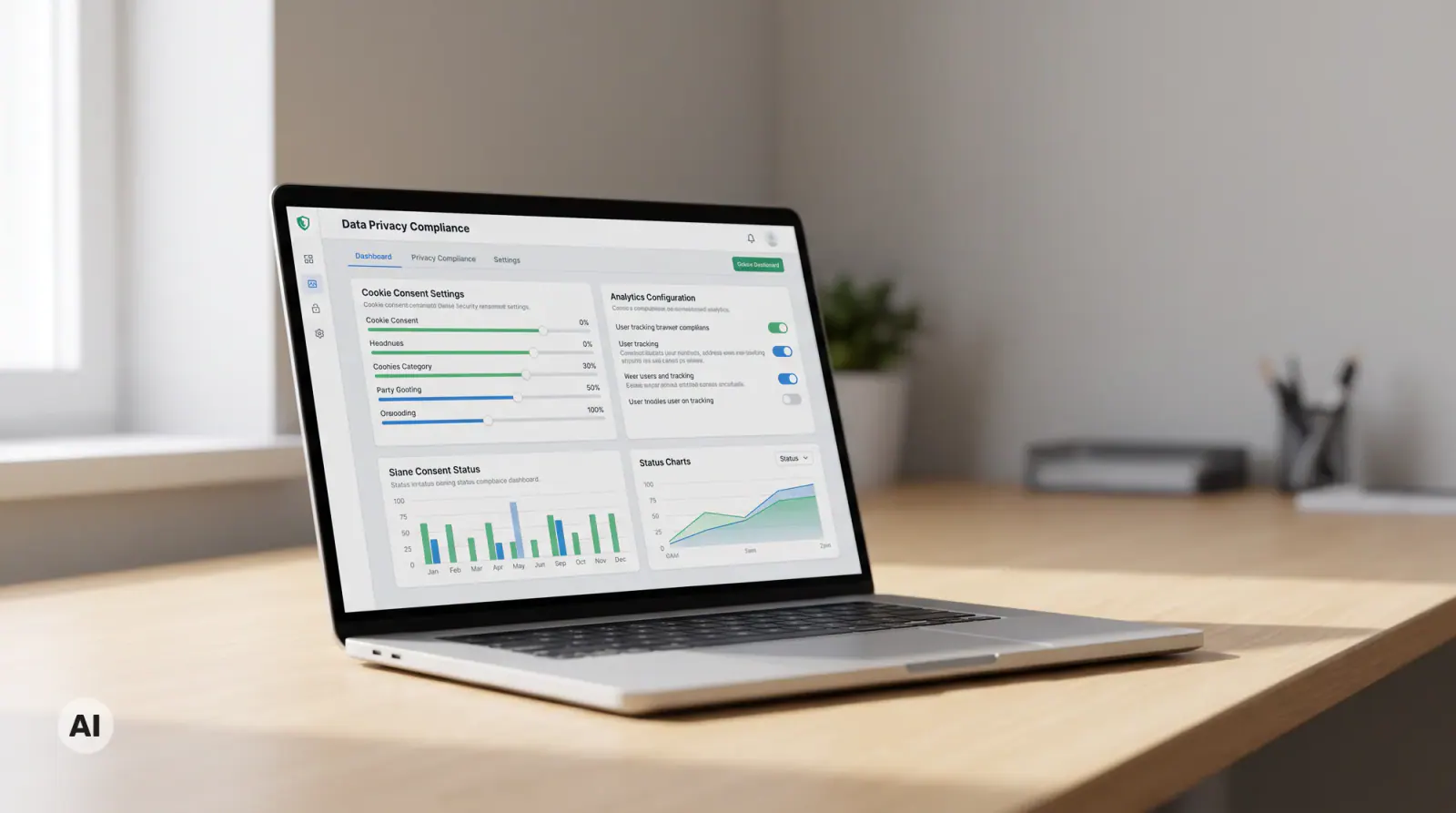
Why this matters for your reporting
Without GCLID, Google Ads can only attribute conversions that a tag fires for on-site, in the same session. The GCLID extends that window to offline outcomes such as signed contracts, phone-confirmed orders, and CRM-registered deals, by carrying the click identity into your own database and back into Google Ads. Feeding real revenue signals to Google's bidding algorithms changes what the system optimizes for in ways that on-site tag data alone cannot provide.
For a practical look at how to use conversion data to improve Google Ads campaign results, the article on Google Ads campaign optimization covers the setup and performance side.

Aleksey Rogalev
Aleksey is founder and managing director of marketer UX. As an expert in sales, SEO, and Google Ads, he regularly publishes new articles and videos to make these topics accessible to anyone who wants to take their marketing to the next level.
Tailored solutions
Discover selected topics and services related to web design, Webflow, and lead generation. Quickly find the right starting point for your next project.
Articles & Resources

Google Core Update: How to Identify the Impact and Respond the Right Way

Marketing Attribution Models: Which Channel Really Brought the Lead?

Core Web Vitals: How to Improve LCP, INP, and CLS in Practice

Offline-Conversions und erweiterte Conversions: Google Ads mit echten Abschlüssen füttern
B2B Google Ads: The Most Common Mistakes and How to Stop Wasting Budget

Weglot and PHP2Shell: What Weglot Users Need to Check Now

Webflow and PHP2Shell: Why Webflow Websites Are Not Affected

PHP Security Vulnerability PHP2Shell: Why Hundreds of Websites Went Offline

SEO Freelancer or SEO Agency: Which One Fits Your Business?
AI SEO: What Really Changes With AI-Powered Search

Full Self-Driving as a team event: What Tesla’s AI teaches us about trust and innovation
How Long Does SEO Take? Realistic Timelines and What to Expect

Online Advertising: Channels, Costs and First Steps (2026 Overview)

Optimize Your Landing Page: More Enquiries from the Same Traffic
On-Page SEO: The Complete Guide to On-Page Optimization (with Checklist)

Integrating a CRM into your website - how it generates leads

Webflow websites for companies: Is it worth it in 2026?

How does a website win new customers?

Webflow CRM Integration: How We Connected Webflow with Microsoft Dynamics 365

SEO: What is Search Engine Optimization and How Does It Work?
Google Ads Transparency Center
Framer vs. Webflow 2026: Which Website Builder Wins the Duel?

Typography in UI/UX Design: More Than Just Pretty Type

UI/UX Trends 2025: What Companies Need to Know Now to Stay Relevant

From WordPress to Webflow — How ACO left its “update hell” and became a premium brand

The future is now: What the Webflow Conference 2025 really means for marketers
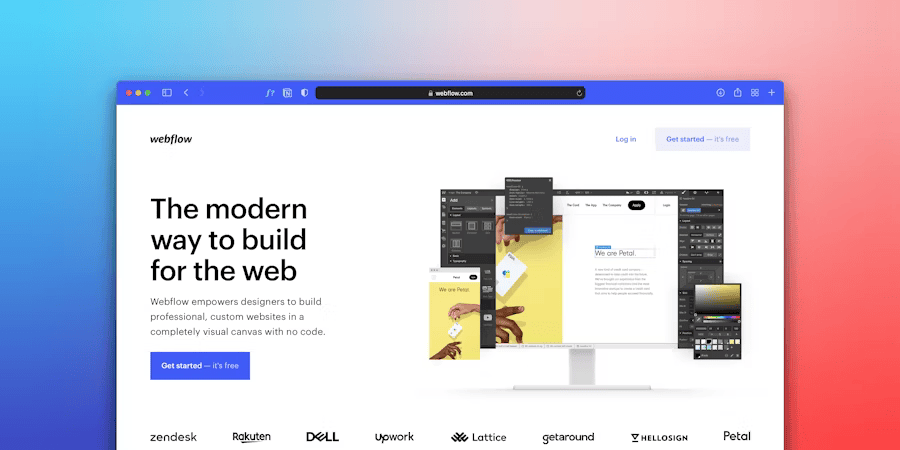
Game changer: Webflow real-time collaboration is here — and it's changing everything

Google Disables #num=100: What the Change Means for SEO, Rank Tracking & Tools

llms.txt: Why this small file determines your future visibility on Google & Co.
Build a website with AI

Webflow agency: Why the right partnership is decisive for your digital success

Building an online shop: From retail store to online shop — your practical guide for a successful start

Webflow & llms.txt: Our practice test shows what it really does

Webflow SEO optimization: 15 advanced strategies for maximum visibility

Barrier-free & GDPR-compliant: How iubenda supports companies in implementing ASA

Webflow vs. Storyblok: 10× SEO boost for SMEs

Accessibility Strengthening Act 2025: The new obligation for digital accessibility

Monitored and exploited: The shocking truth behind your online behavior!

Why no one has come up with the idea yet: The turbo trick with Google ads!

Success with Webflow: relounge.club & marketer UX

Expert explains: How much does advertising cost on Google? Sample calculation & analysis

Search engine optimization (SEO): At the top of Google in just 3 months

Is a blog still worthwhile in 2024?

Have a website created: How to find the perfect partner

NIO Marketing: How to achieve real customer loyalty through innovative strategies

Webflow Intellimize: AI-powered website optimization possible soon!

Google Seo Leak: Anyone can get to number 1!

Marketing psychology: Tesla website analysis

Latest Webflow Features and Updates 2024

The 10 most expensive domain names in the world

Local SEO: The ultimate tips to attract local customers

The power of color psychology in marketing and branding

Tesla's 2024 entry into paid advertising: First visible steps revealed

Webflow vs. WordPress 2026: The Ultimate Comparison

Tesla's new marketing strategy 2023

Chat GPT Revolution - How do you use it correctly?

Website Creation Cost: What to Budget Realistically in 2025/2026

Advertising on the Internet - Boost Your Business Potential Online
SEO Consulting: Process, Costs, and How to Choose the Right Advisor

How Klaus Hübner boosts his company's growth with online marketing

Top 10 Webflow features we've loved as an agency since 2017

Online marketing strategy: Achieving your goal in 6 steps

Marketing law firm: How to attract clients

What is a lead

Learn how to sell

B2B online marketing - That's how it works in business!

Redesign of the company website

Winning customers in the digital age
